The platform for reading, alarming on and exporting station data
EchoCloud
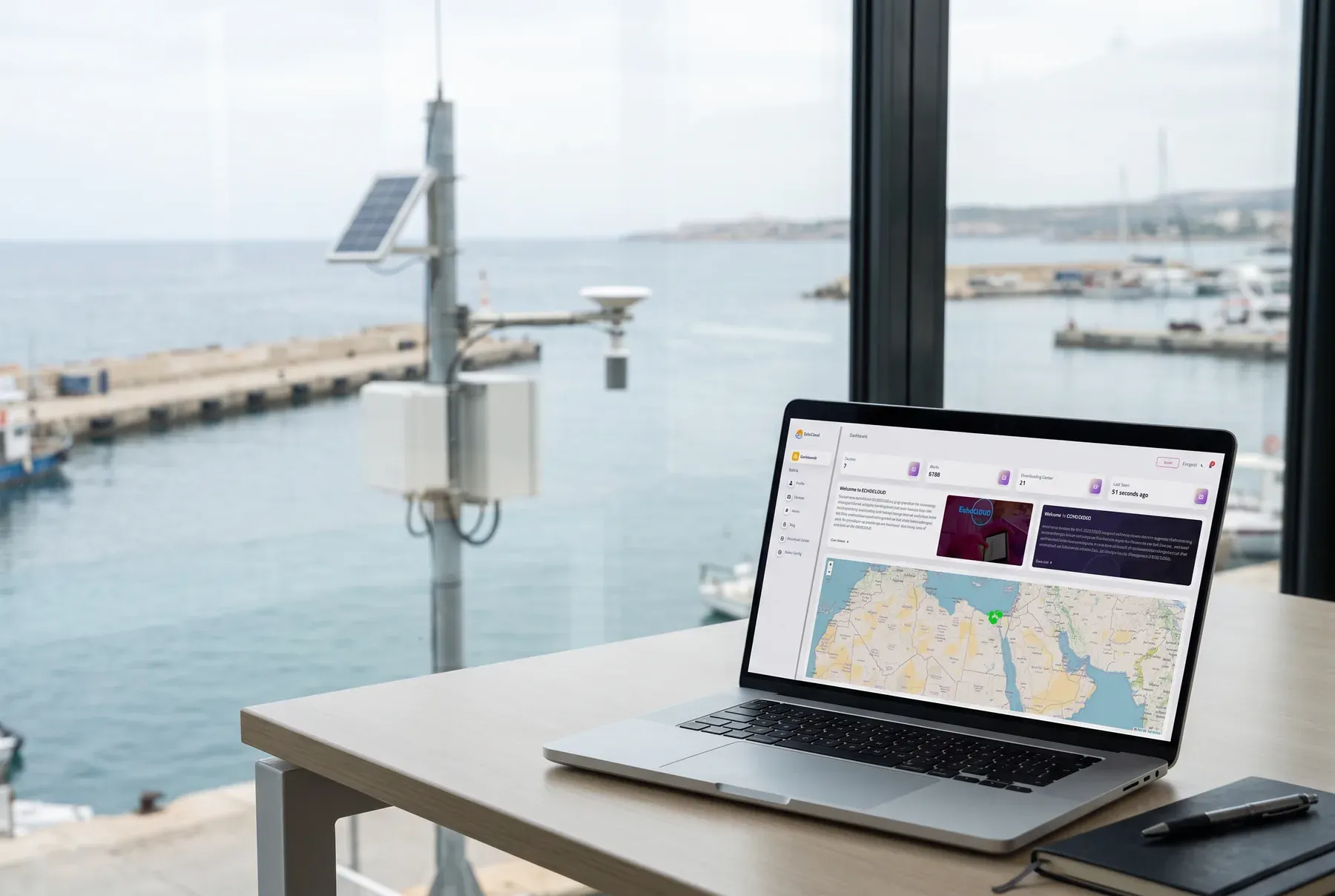
EchoCloud is the web platform behind SpaceEcho stations. Every reading a station sends arrives here, and operators, researchers and field technicians use it to watch the data live, look back over months of records, get alerted when something is wrong, and download what they need.
What it does
All stations on one screen
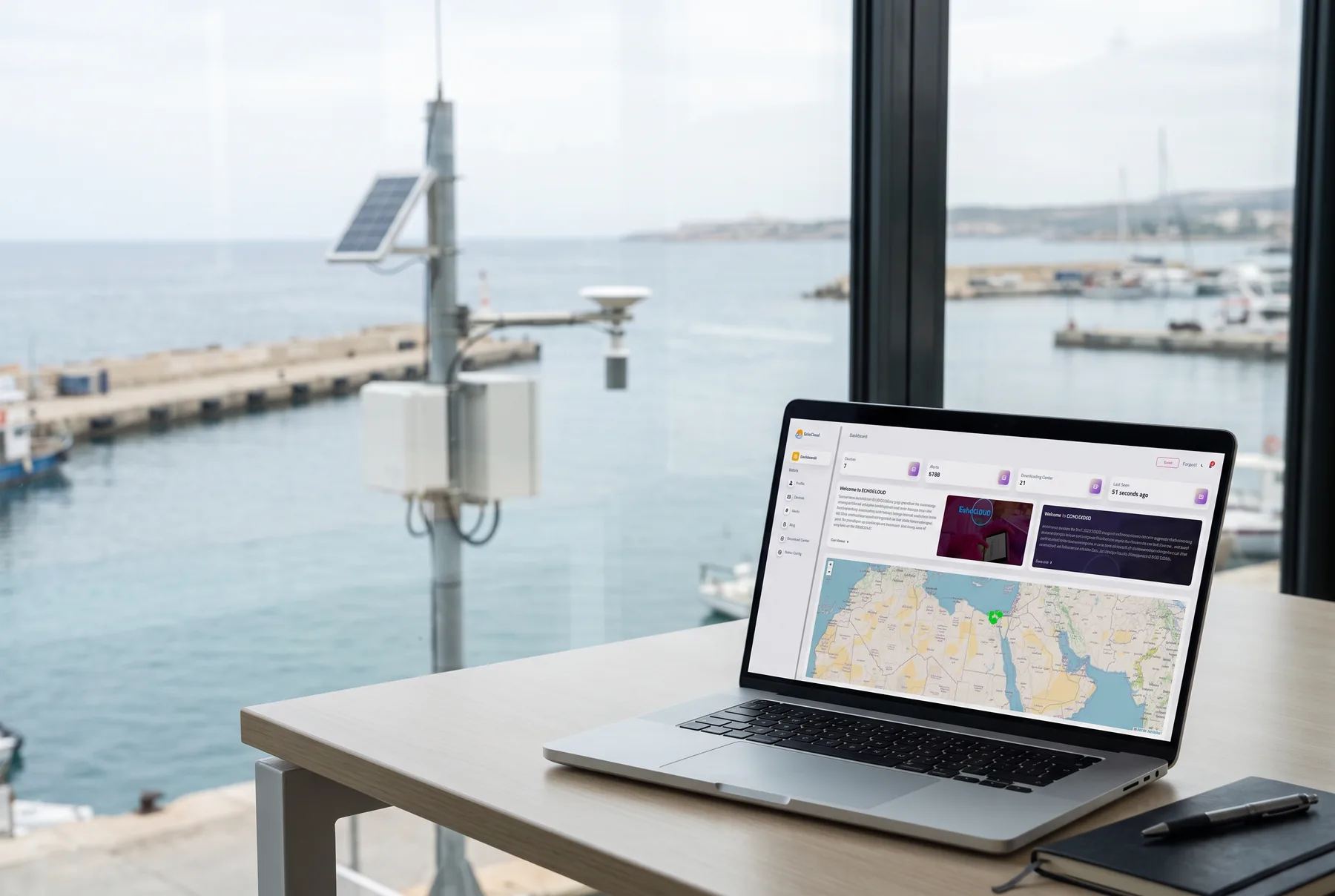
The dashboard shows how many stations you have, how many alerts have fired and when each station last reported. A map marks every station, and the station list shows each one's type and whether it is online.
Real-time readings
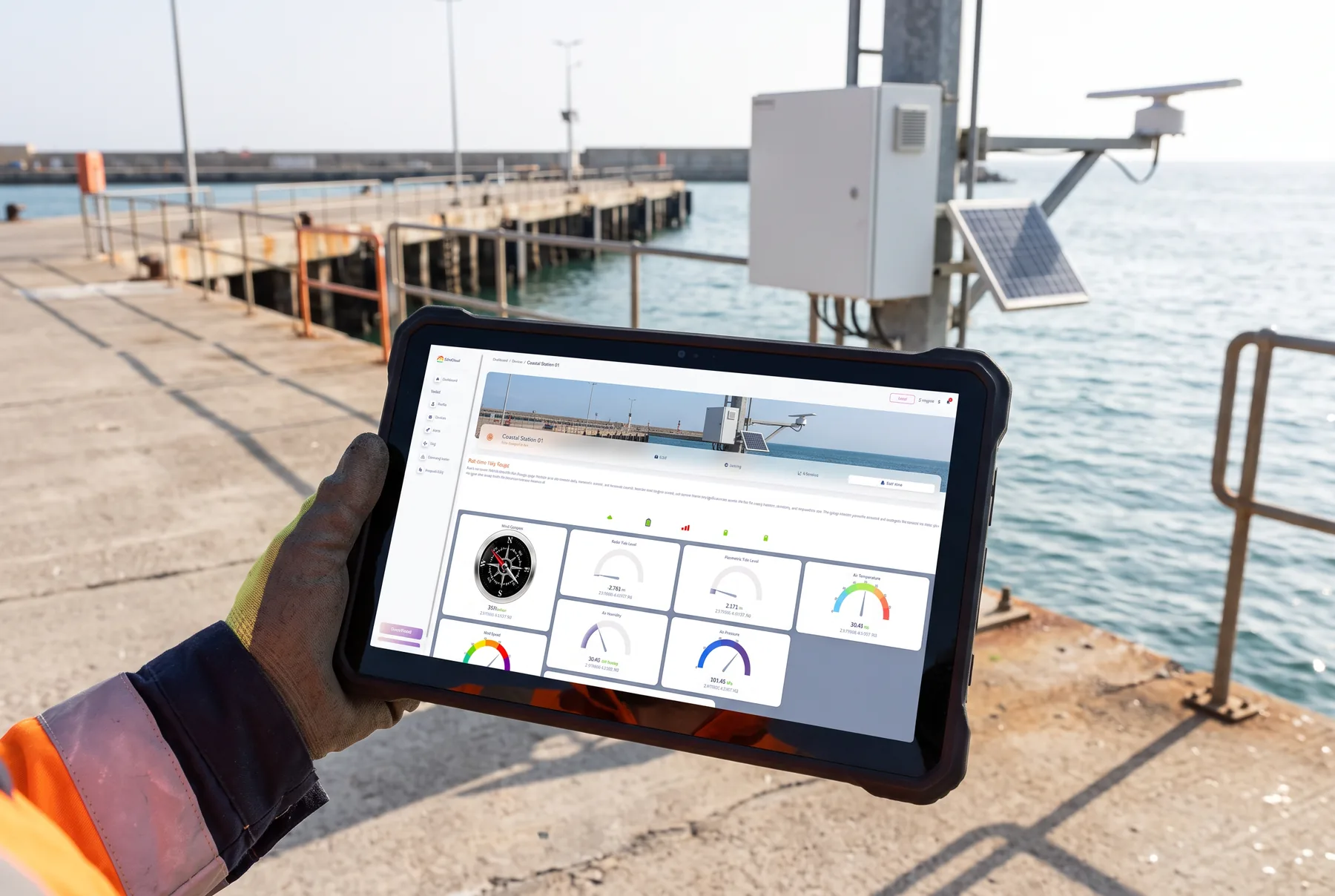
Each station has its own page with a gauge per sensor, such as tide level, wind speed and direction, air temperature, humidity, pressure and radiation. Live trend charts and a wind rose sit below the gauges. The page updates as new readings arrive.
Historical analysis
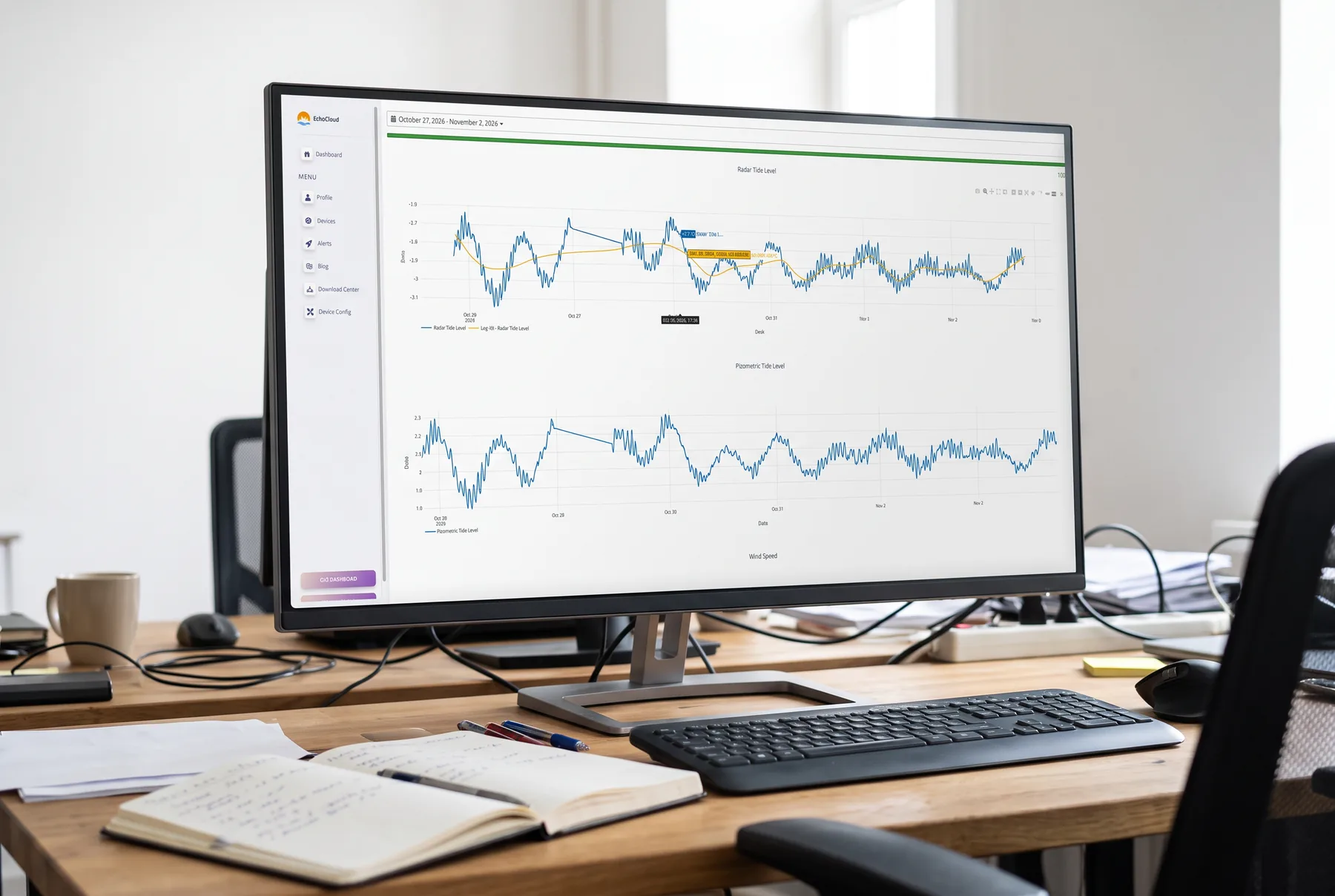
Pick any date range to chart the stored data. A bar shows how complete the data is for that period. You can lay a moving average (SMA or EMA) or a time average (per minute, hour, 6 hours, 12 hours, day, month or year) over the raw readings.
Alerts and notifications
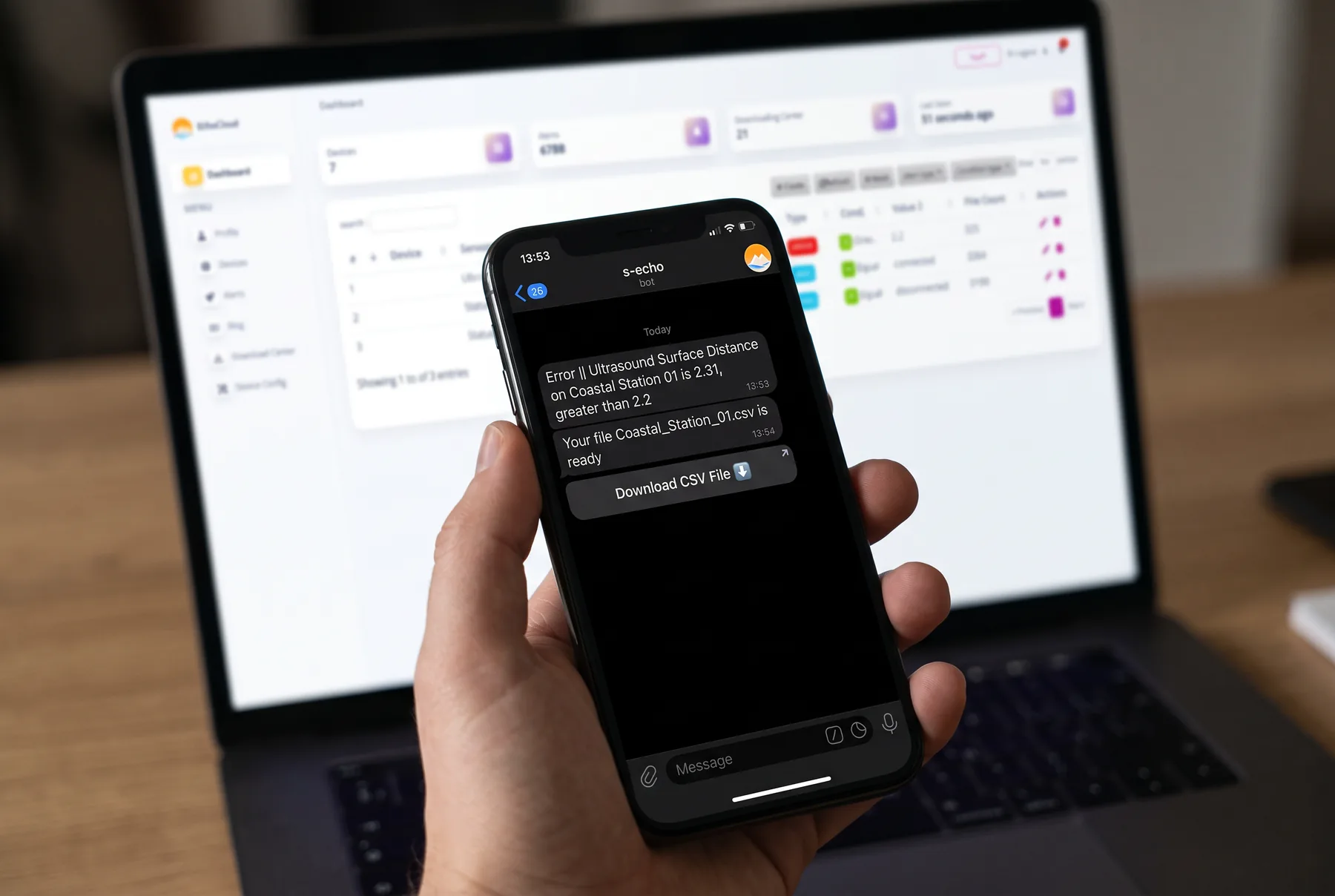
You set an alert rule for one sensor of one station. Each rule has a level (error, warning or info) and a condition: greater than, less than, equal, not equal, between or not between a value. When a reading meets the rule, the alert is logged in EchoCloud and sent to your Telegram account.
Station health
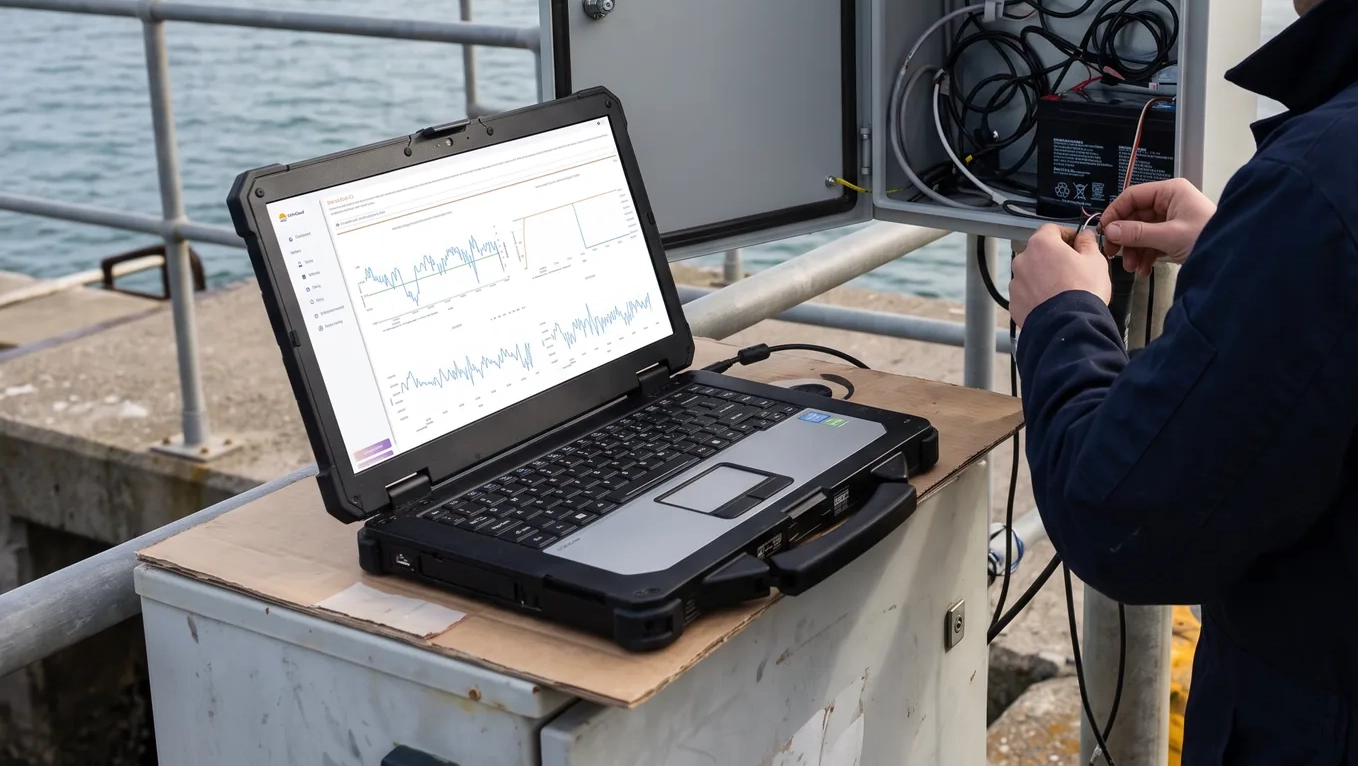
The data logger reports its own condition too: network signal, connectivity, free storage on the main and backup cards, GPS position and satellite count, up time, supply voltages, internal temperature and files waiting to be sent. You can see a weak signal or a full card before any data is lost.
Remote settings
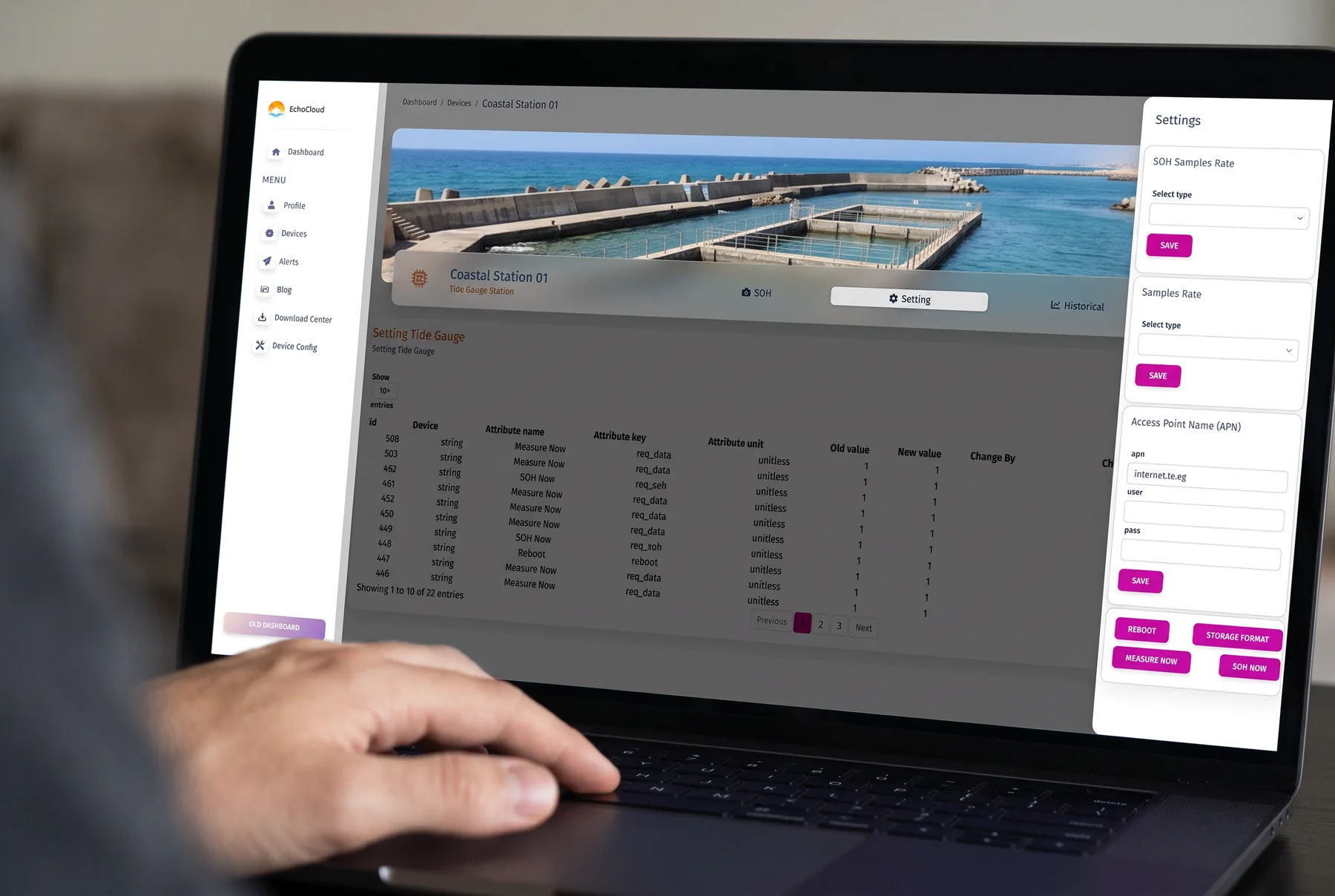
From the station page you can change the measuring and health-report intervals and the mobile network (APN). You can also tell the logger to measure now, report its health now, reboot or format its storage. Every change is logged with the old value, the new value and who made it.
Data export
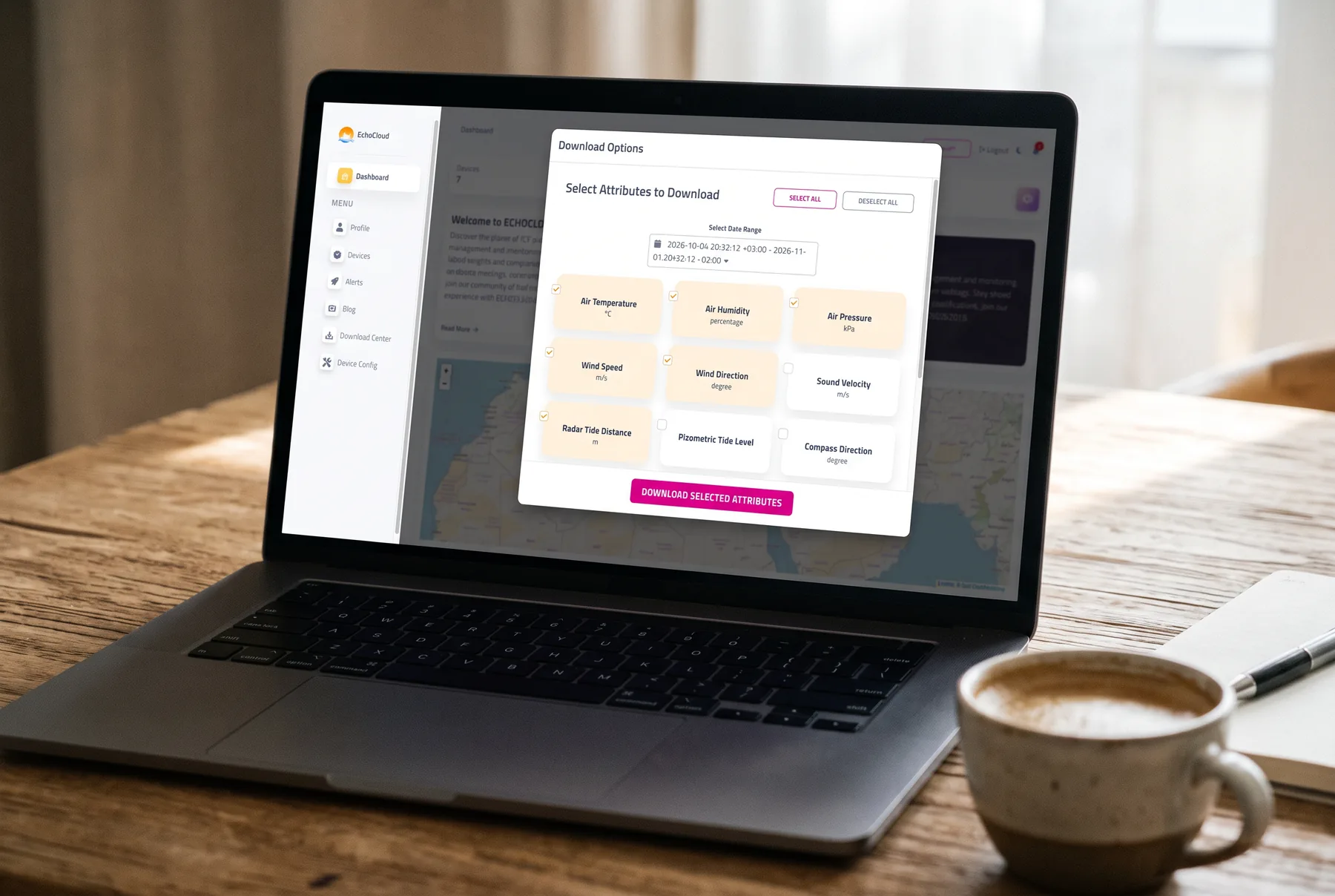
Choose the readings and the date range, and EchoCloud prepares a CSV file in the background, even for long periods. Finished files wait in the download center, and Telegram tells you when a file is ready.
Users and access
- Roles
- Administrators manage stations and users; client accounts see only the stations, and the station pages, assigned to them.
- Accounts
- Sign-up by invitation, email verification and password reset.
- Language
- The whole interface in English and Arabic, with light and dark themes.
Works with
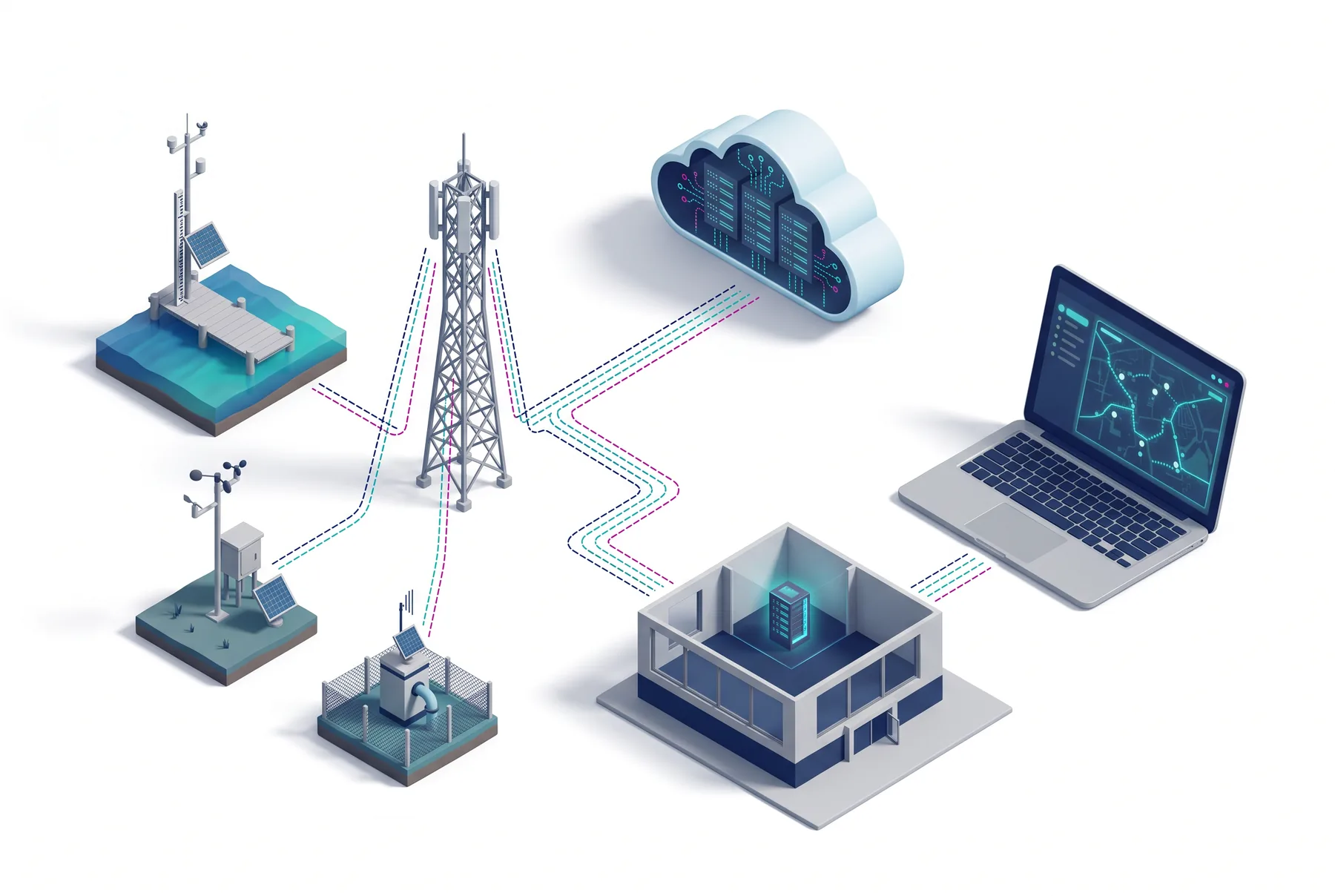
SpaceEcho data loggers send their readings to EchoCloud over MQTT, or through its HTTP interface. EchoCloud holds data for tide gauge, weather, water level, groundwater and soil, water quality, air quality and fish farm stations.
Where it runs
Use EchoCloud on SpaceEcho's servers, or install it on your own server under a licence and keep the data in-house. SpaceEcho can also adapt EchoCloud to a project and train the people who will use it.

Frequently asked questions
Can I run EchoCloud on my own server?
Yes. EchoCloud can be used on SpaceEcho's servers or installed on your own server under a licence.
How do I get data out of EchoCloud?
Choose the readings and the date range, then export. EchoCloud prepares a CSV file, keeps it in the download center and tells you on Telegram when it is ready.
Where do alerts go?
Every alert is logged in EchoCloud. If your account is linked to Telegram, it is also sent there.
Can I give a client access to only their stations?
Yes. A client account sees only the stations, and the station pages, assigned to it.
Can EchoCloud be adapted to my project?
Yes. SpaceEcho offers EchoCloud customisation, programming and training. Contact sales@s-echo.com.
Request a Quote
Tell us about your site
- A site survey before anything is specified
- Installation, commissioning and operator training
- EchoCloud access from the day the station reports
Working with


Request received
Thanks — our team will contact you shortly.