The platform for reading, alarming on and exporting station data
EchoCloud
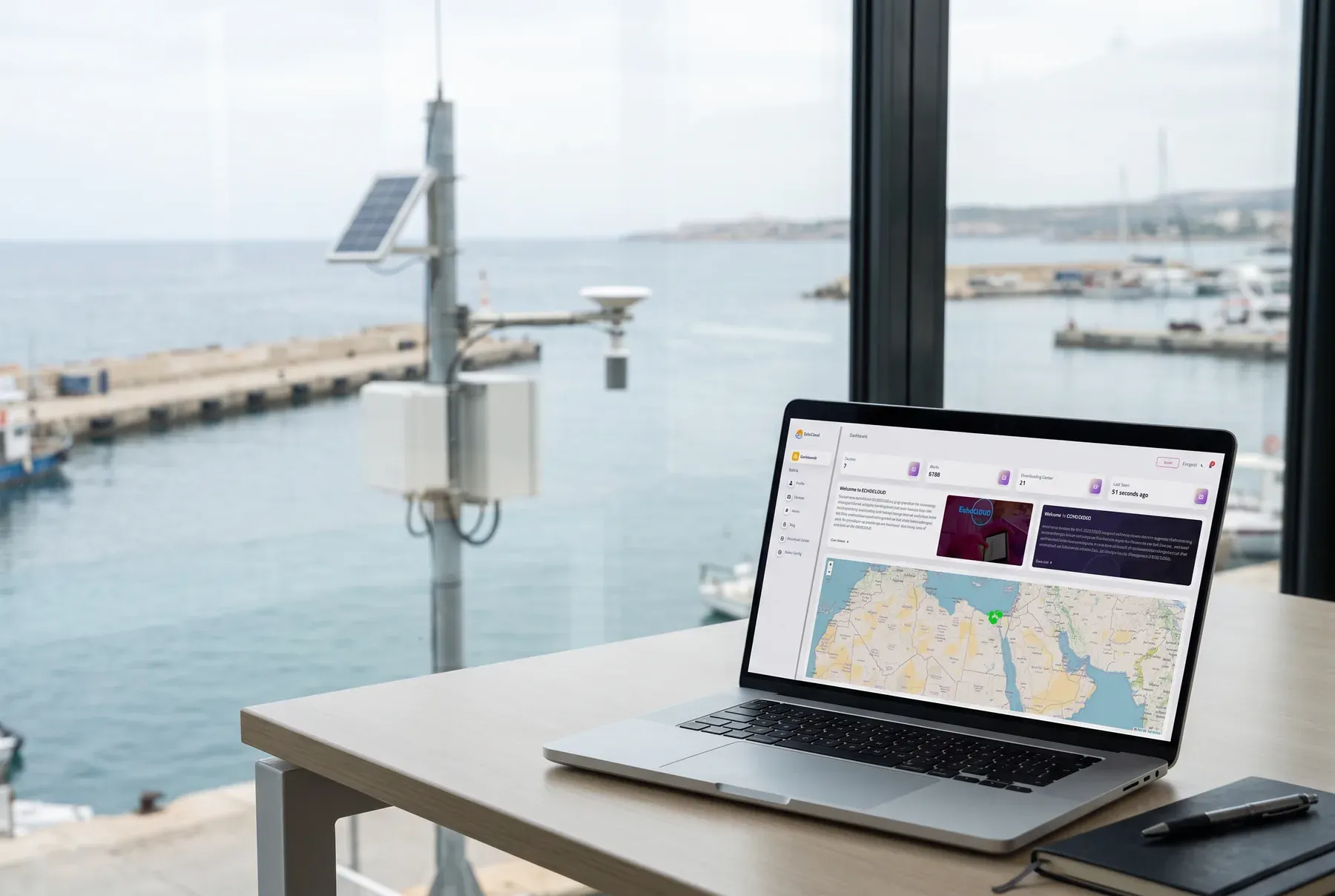
EchoCloud is the web platform behind SpaceEcho stations. Every reading a station sends arrives here, and opera...
EchoTel is a lightweight desktop app for collecting station data. It receives telemetry from field devices, stores it on your own computer and shows every device on a map. It has its own MQTT broker and NTP server, so a control room or site office can run its stations with no cloud service. Operators use it every day, and field installers use it to bring stations online.
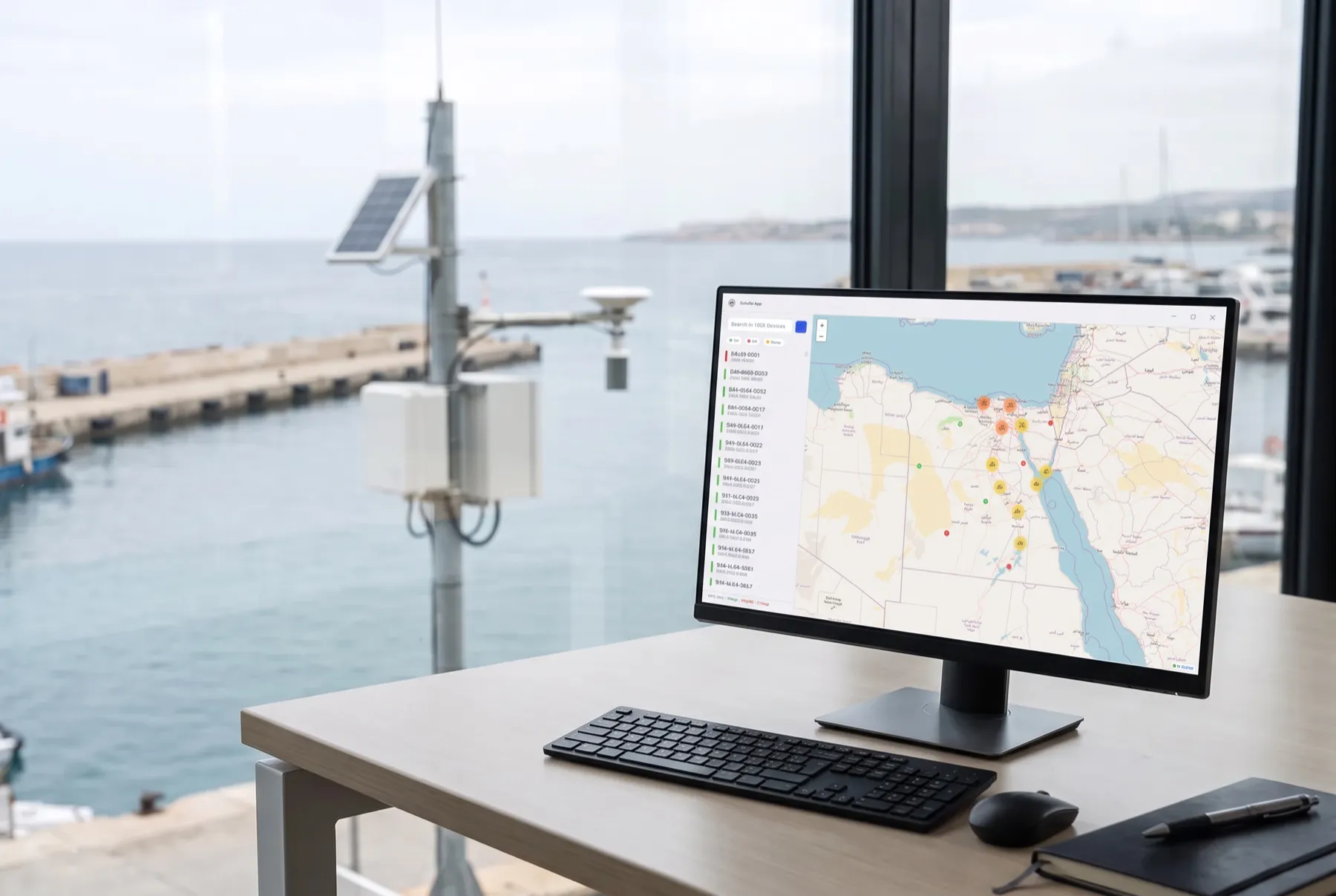
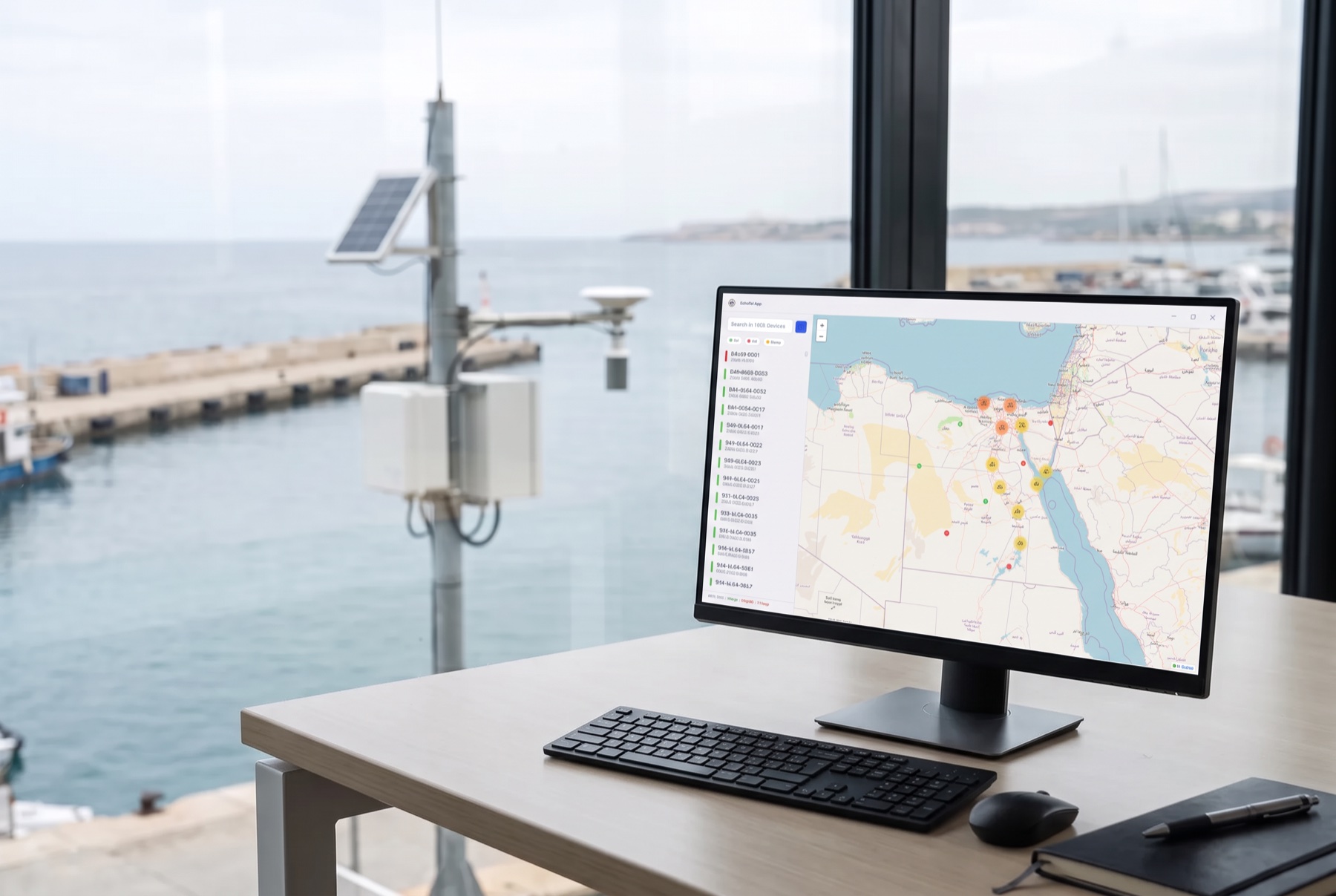
The home screen shows a searchable device list beside a clustered map. Filter by On, Off or Sleep, and read the fleet totals in the footer. Click a map pin to see a device's name, type and last reading.
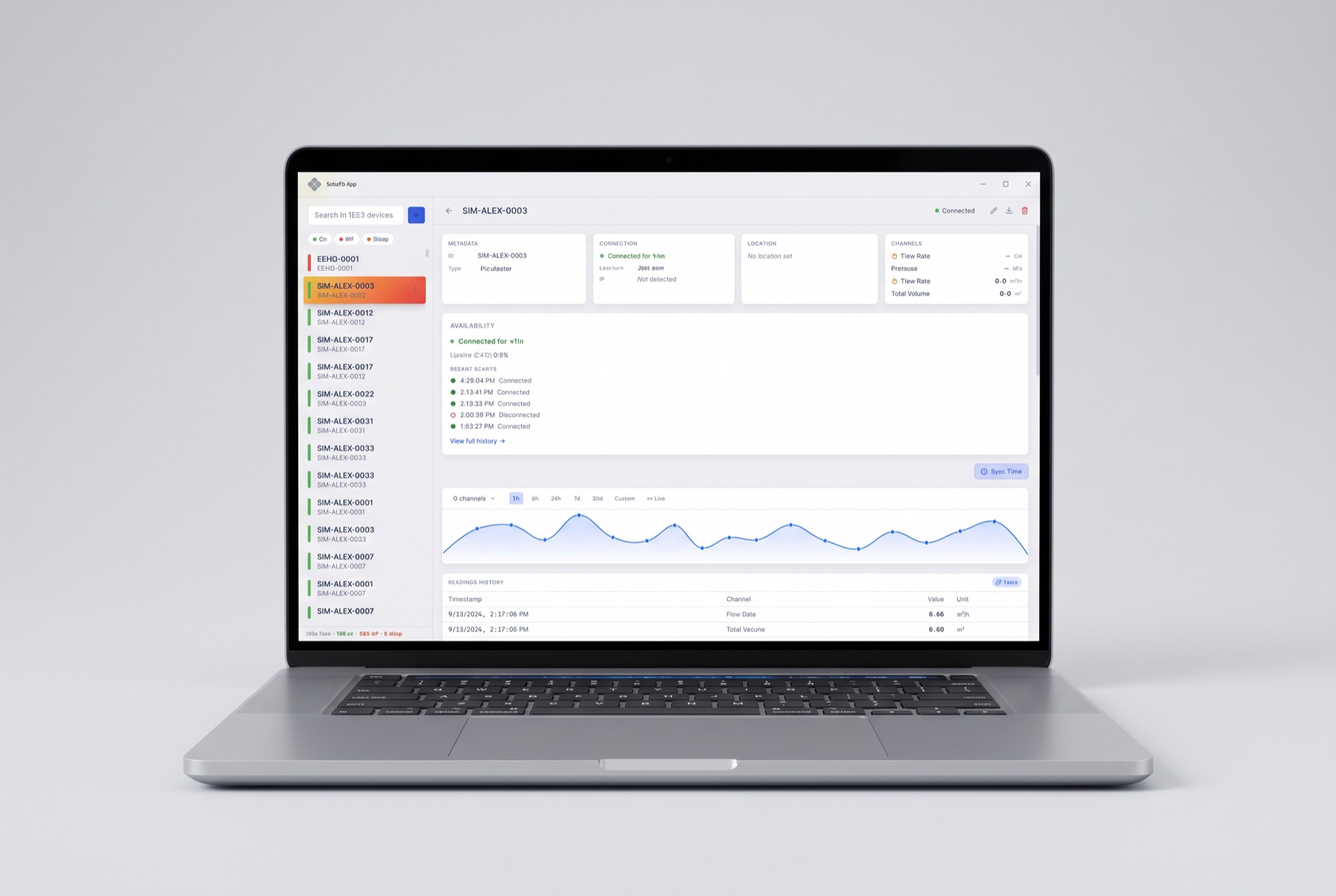
Each device has its own view with connection details, location and live channel values. Chart any channels over 1 hour, 6 hours, 24 hours, 7 days, 30 days or a custom range, or switch to live streaming. Export a device's readings as a CSV file.
Devices connect straight to EchoTel, with no separate server to install. Add a device with its ID, name, type and password, and it goes online when it connects. Device types set the default channels, and you can add or rename channels and their units.
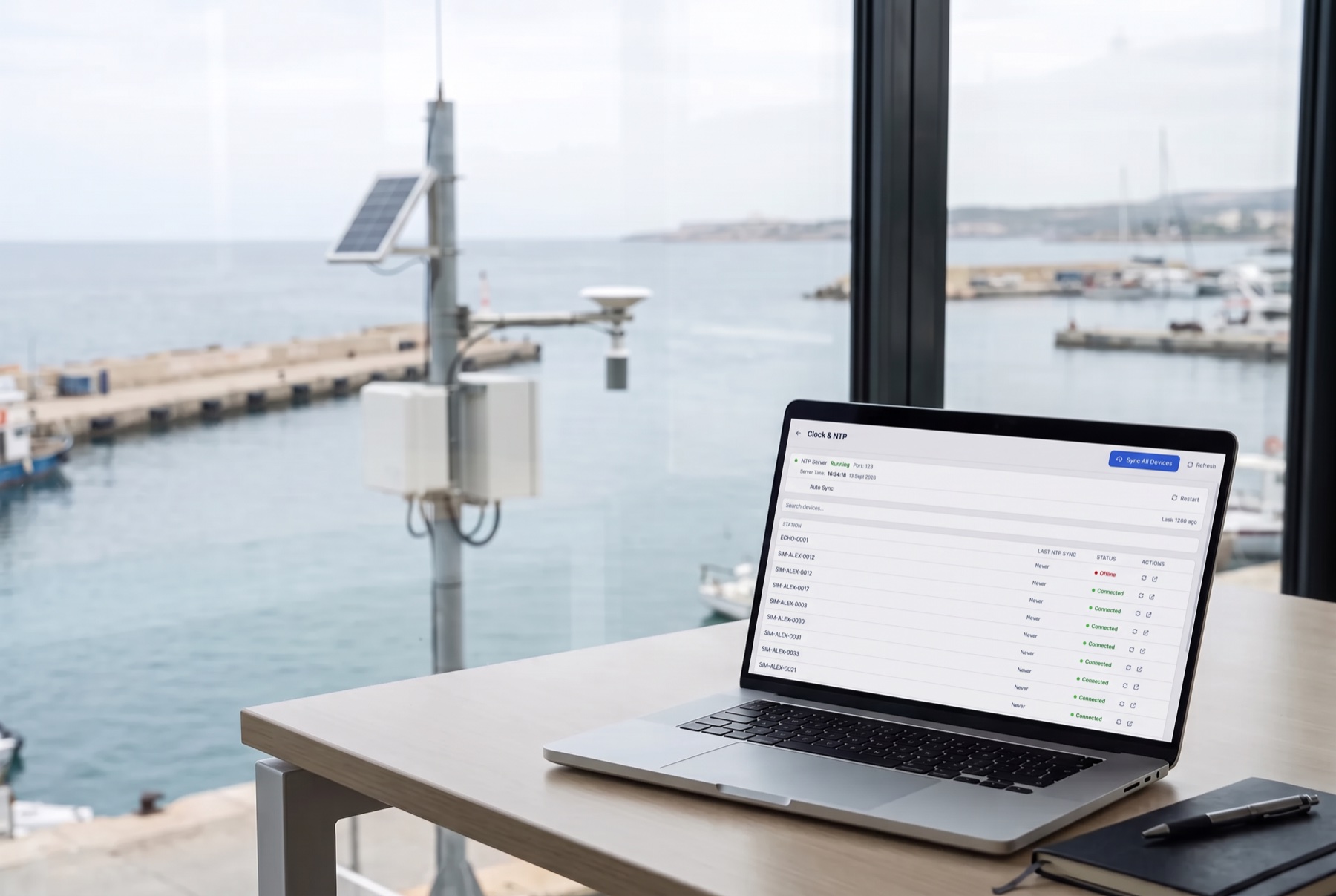
EchoTel runs its own NTP server so devices on the network can keep the same time. You can correct one device, all devices at once, or schedule a daily sync. The screen shows when each station last synced.
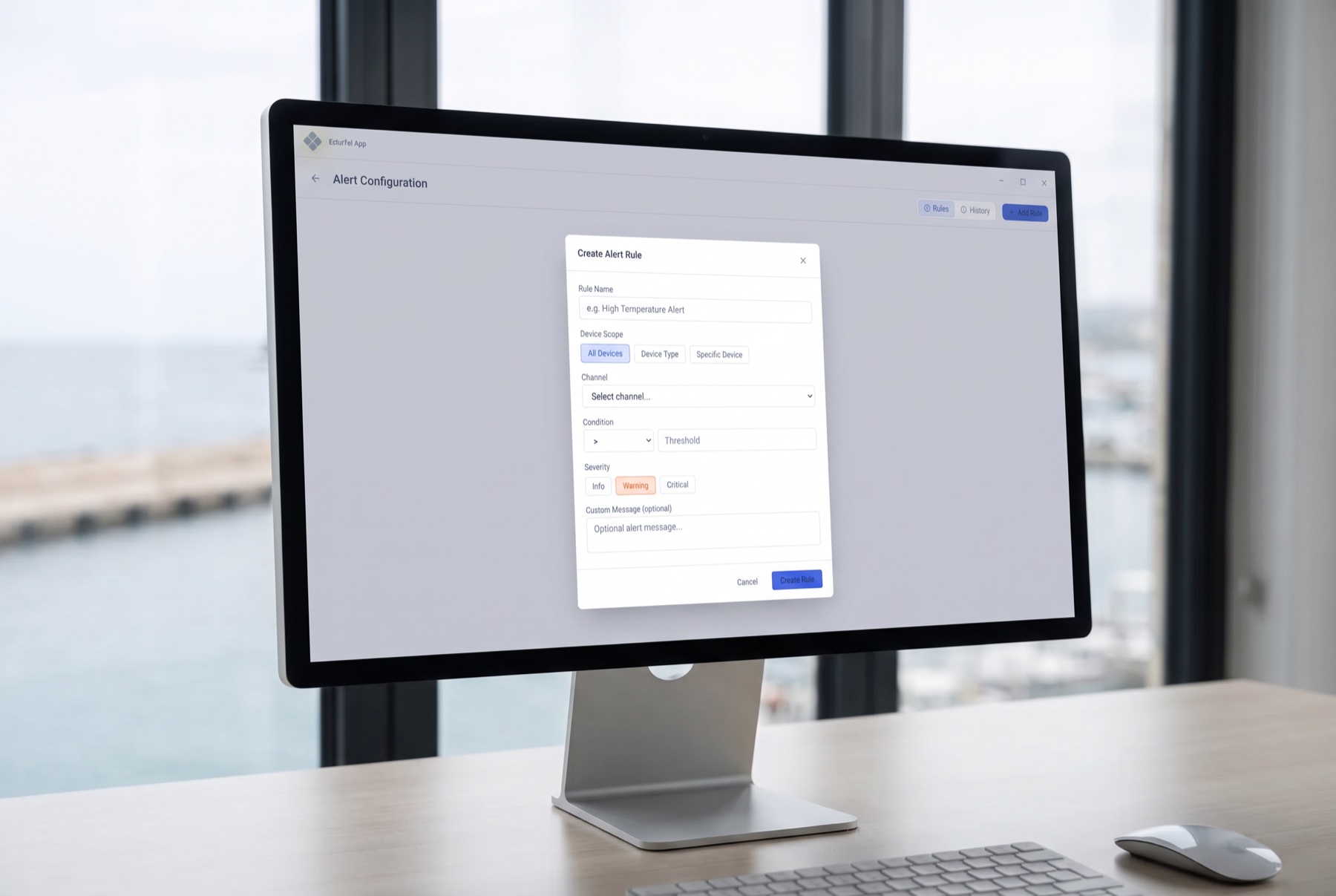
Set a rule for all devices, one device type or one device. Each rule has a channel, a condition, a severity of info, warning or critical, and an optional message. When a rule fires, a notification appears in the app and the event stays in the alert history until you acknowledge it.
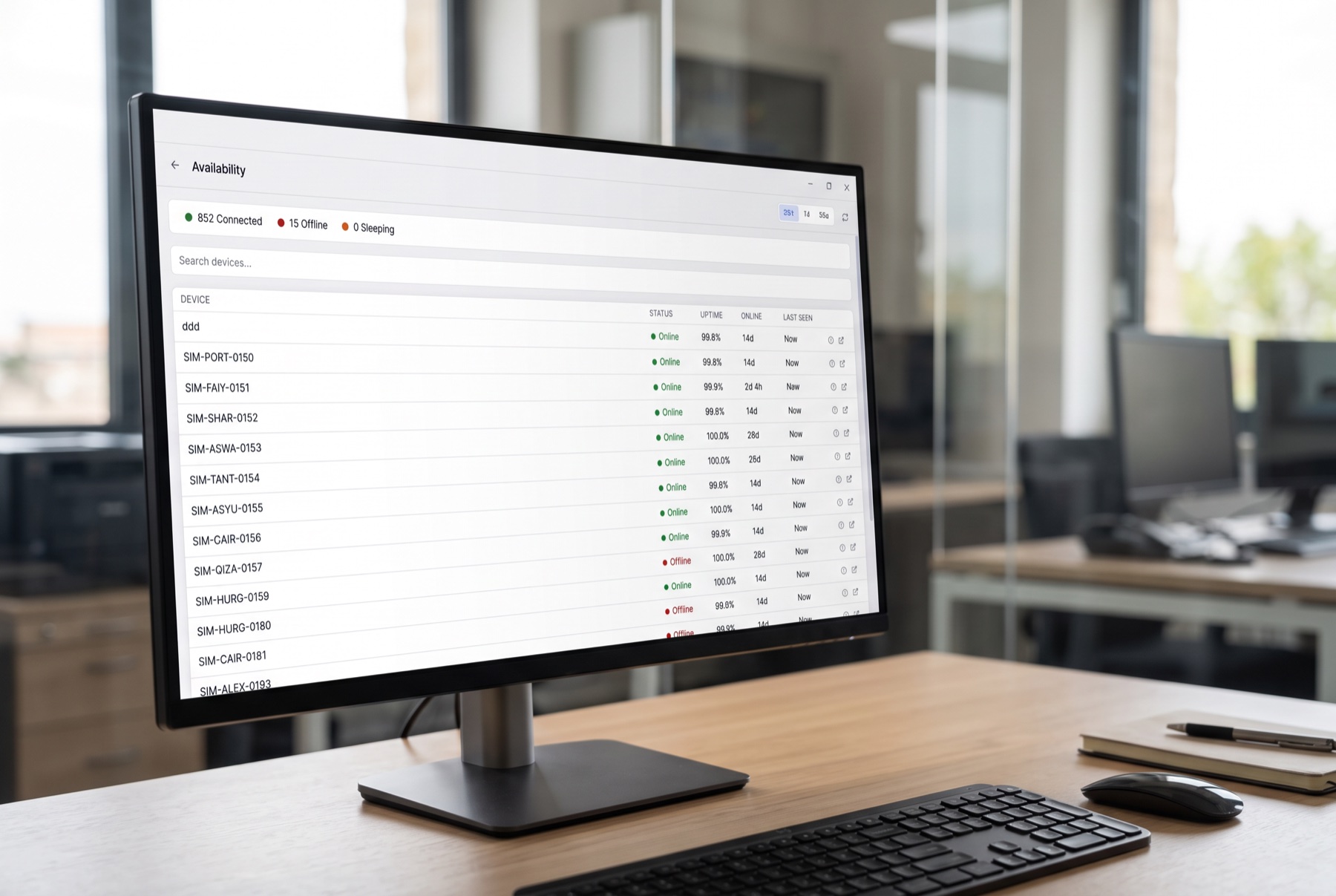
See how many devices are connected, offline or sleeping. For each device, read its uptime, longest online time and last-seen time over 24 hours, 7 days or 30 days, and open its full connection history.
| Feature | Basic | Pro |
|---|---|---|
| Device list and clustered map | Yes | Yes |
| Device view, charts and CSV export | Yes | Yes |
| Add devices and manage channels | Yes | Yes |
| NTP server and device time sync | Yes | Yes |
| Console, settings, backup and PIN lock | Yes | Yes |
| Alerts and alert history | No | Yes |
| Availability and uptime reports | No | Yes |
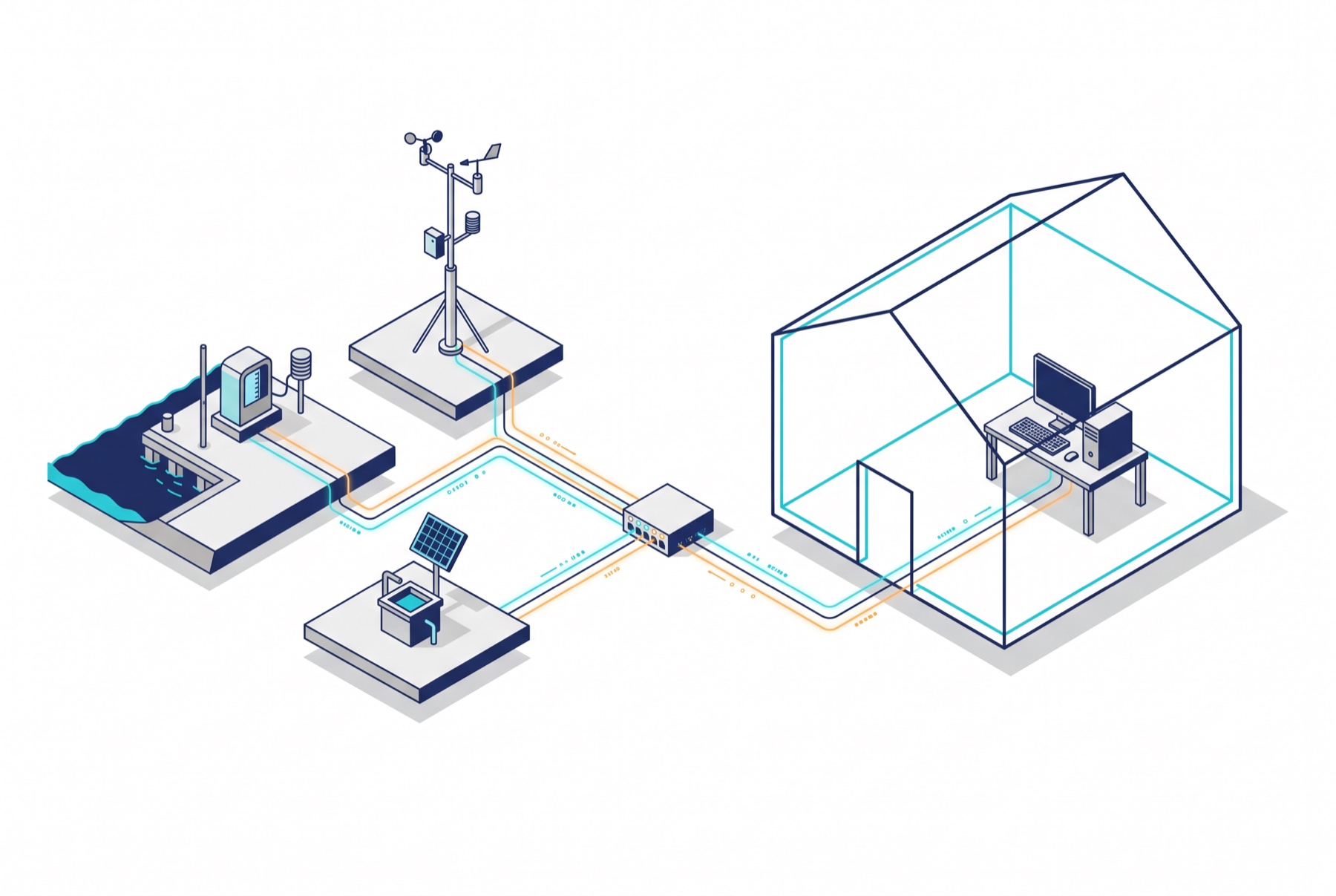
The ECHO-Gateway v4 connects to EchoTel or to EchoCloud, so EchoTel works with all types of SpaceEcho monitoring stations. It has default setups for dataloggers, weather stations, flow meters and solar panels.
EchoTel runs on your own Windows, macOS or Linux computer, and your data stays there. It works on a closed network, and the map can use downloaded map tiles with no internet connection. For the full web platform, with access from anywhere, see EchoCloud.
Want to know which edition fits your site? Contact SpaceEcho.
The platform for reading, alarming on and exporting station data
EchoCloud is the web platform behind SpaceEcho stations. Every reading a station sends arrives here, and opera...
EchoTel is a lightweight desktop app for collecting data on your own computer, with no cloud. EchoCloud is the full web platform you open from anywhere.
No. Devices connect to its built-in MQTT broker on your network, and the map can use downloaded tiles.
Both include devices, charts, time sync and backup. Pro adds alerts and availability tracking.
On your own computer, in a local database and one CSV file per device. You choose the CSV folder.
EchoTel runs on Windows, macOS and Linux.
Yes. Create an encrypted backup and restore it on the new computer.
Request a Quote
Working with





Request received
Thanks — our team will contact you shortly.